These are the image sizes, in pixels, for every social network built into Cropped. The same list is under Export sizes in the Cropped Studio, so you can tick the sizes you need and export them all from one picture. The most-asked sizes first:
Image
Size in pixels
Ratio
Facebook cover photo
851 × 315
2.7:1
X header
1500 × 500
3:1
Instagram post, square
1080 × 1080
1:1
Instagram post, portrait 4:5
1080 × 1350
4:5
Instagram story or Reel cover
1080 × 1920
9:16
LinkedIn profile background
1584 × 396
4:1
LinkedIn post, landscape or link
1200 × 627
1.91:1
YouTube video thumbnail
1280 × 720
16:9
YouTube channel banner
2560 × 1440
16:9
Pinterest standard Pin
1000 × 1500
2:3
TikTok photo post or cover
1080 × 1920
9:16
Sizes checked 2026-10-03. In the tables below, Official means the platform's own help page gives the size; Guide means the platform publishes no pixel size, so the value follows current social media guides.
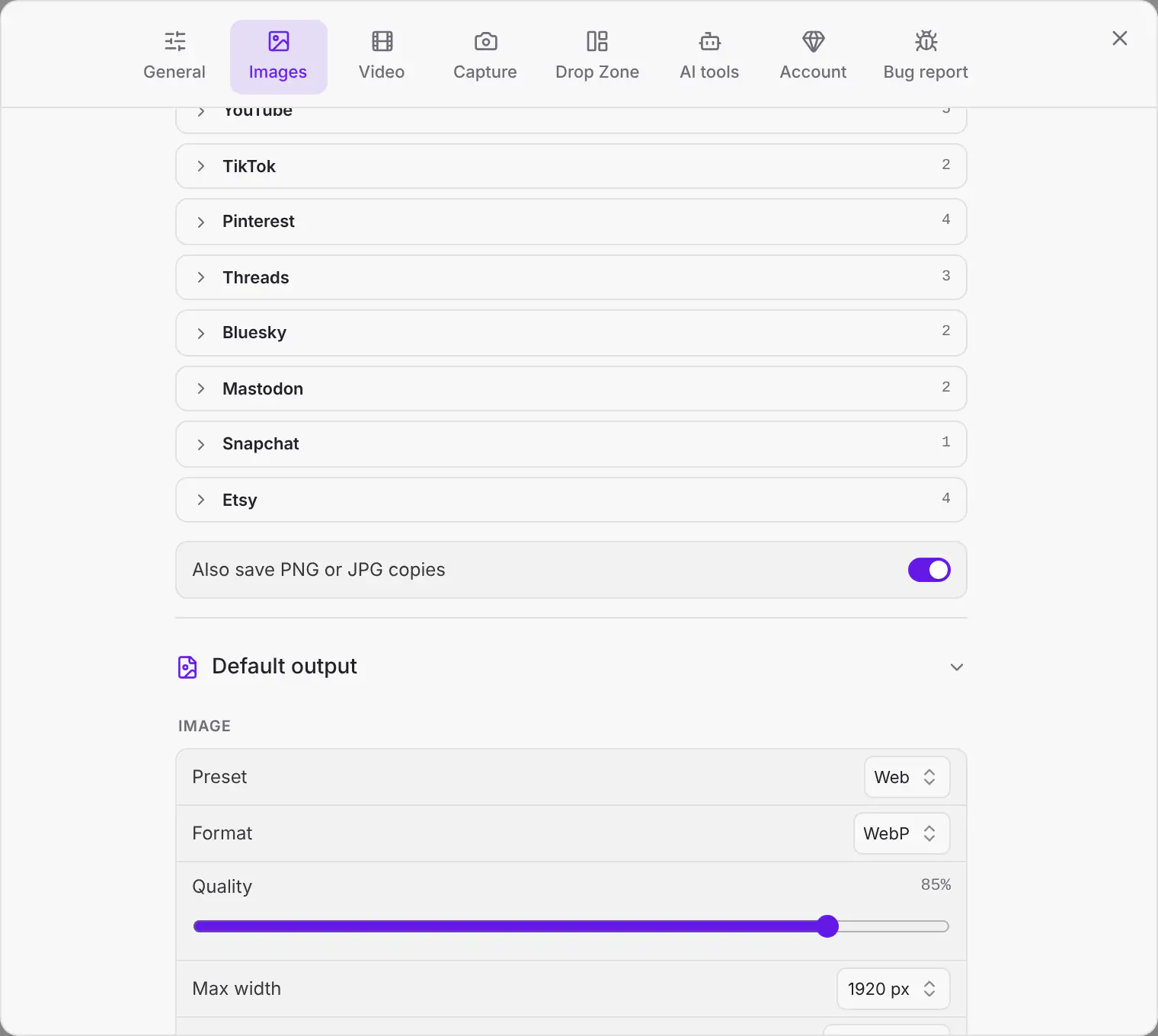
Most social networks don't accept WebP or AVIF uploads. When your format is WebP or AVIF, Cropped also saves a copy of each size you can post: a PNG for screenshots and other PNG, WebP or AVIF sources, and a JPG for photos. With the example above you get photo-cropped-x-header-1500x500.webp and photo-cropped-x-header-1500x500.jpg side by side. Original gets no copy. To turn the copies off, switch off Also save PNG or JPG copies at the bottom of Export sizes.
The switch appears while the format is WebP or AVIF.
The switch is in the same place on Windows and Linux: see it on Windows and on Linux.
Cropped never enlarges a small image: if your picture is smaller than a size, it keeps that size's shape and saves it as large as the picture allows. See Crop images and export social media sizes for more.
Need sizes for a client, a website or an ad network that isn't here? Make a collection with your own names, widths and heights, and share it as a link or JSON. See Your own collections.
Connect Cropped to Claude, Cursor or Codex and ask in your own words, for example “Make a 16:9 hero image of a calm lake at dawn, then give me the X header and LinkedIn post sizes.” Making a new image uses your own OpenAI or Gemini key. See Make new images.
For video, pick a Social preset such as Social · 1080p / 30 fps, YouTube 1080p60 or WhatsApp · under 16 MB, and crop to 1:1, 4:5 or 16:9 in the Studio. See Video formats and presets and Crop a video.
 Cropped
Help